How to Convert iPhone Gym Notes Into Trackable Data
A gym notes to data app is a software tool designed to automatically translate unstructured text—like the shorthand you scribble in Apple Notes—into organized, visual metrics like volume charts and 1RM trends. This matters because it allows you to keep the speed of typing a quick note while gaining the progress-tracking power of a database. You’re likely one of the many lifters who hates the friction of traditional apps but feels the "data anxiety" of not knowing if you're actually getting stronger.
You know the routine. You open your phone between sets of bench press, but instead of fighting with a complex UI, you just type "Bench 185 3x5." It’s fast. It’s effortless. But six months later, you have no easy way to see if your volume is trending up or if you’ve been plateauing for eight weeks straight. The data is there, buried in a digital silo.
Why the iPhone Notes App is a Gym Staple
There’s a reason why, despite thousands of fitness apps on the App Store, the "Notes App Gym Logger" is a massive psychographic. For serious lifters, momentum is everything. When you’re deep in a high-intensity session, the last thing you want to do is navigate three menus just to log a single warm-up set.
As Matt Evans, Senior Fitness Editor at TechRadar, once pointed out, a simple Notes app is often the best tool for those serious about muscle growth. It stays out of your way. But this simplicity comes with a cost. According to research from Business of Apps in 2025, over 90% of fitness app users abandon their workout apps within the first six months. Why? Because the friction of entry eventually outweighs the benefit of the data.
Legendary strength coach Dan John, author of Never Let Go, has long advocated for this minimalist approach. He notes: "Keeping it simple works best in the long run. All you really need to do is just record the date and your sets, reps and resting periods next to each exercise." The Notes app does exactly that. But what happens when you want to actually use that data?
TL;DR: Why we love Notes
- Zero Friction: No accounts, no loading screens, no dropdowns.
- Flexibility: You can write "felt heavy today" or "shoulder twinge" without a special field.
- Speed: Logging takes three seconds, not thirty.
The Data Hidden in Your Workout Shorthand
Your unstructured text contains a goldmine of physiological data. Every time you write "Squat 225x5," you’re recording intensity, volume, and exercise selection. However, this data is "invisible" to traditional analytics.
Research from Lucid in 2024 shows that fitness app retention rates average a dismal 8-12% at the 30-day mark. Most people quit because the apps feel like a chore. Yet, people who consistently log their workouts are 42% more likely to stick with their training programs long-term, according to data from Setgraph in 2025.
The problem isn't the logging—it's the manual entry. If you want to see a graph of your progress in Apple Notes, you’re forced into what some call "the scroll-back method." You search for "Deadlift" and scroll through months of entries to find your last heavy triple. It's inefficient. Worse, many lifters fall into the "overwriting" trap—deleting last week's numbers to make room for today's. This is a permanent loss of your training history.
Comparison: Notes vs. Traditional Apps vs. Automatic Conversion
| Feature | Apple Notes | Traditional Apps (Hevy/Strong) | Gym Note Plus |
|---|---|---|---|
| Entry Speed | Instant | Slow (Form-based) | Instant |
| Data Analysis | None (Manual) | High (Automatic) | High (Automatic) |
| Flexibility | Infinite | Rigid Database | Infinite |
| Setup Time | Zero | 5-10 Minutes | Zero |
| History | Hard to Search | Easy to View | Easy to View |
From Text to Trends: How Gym Note Plus Works
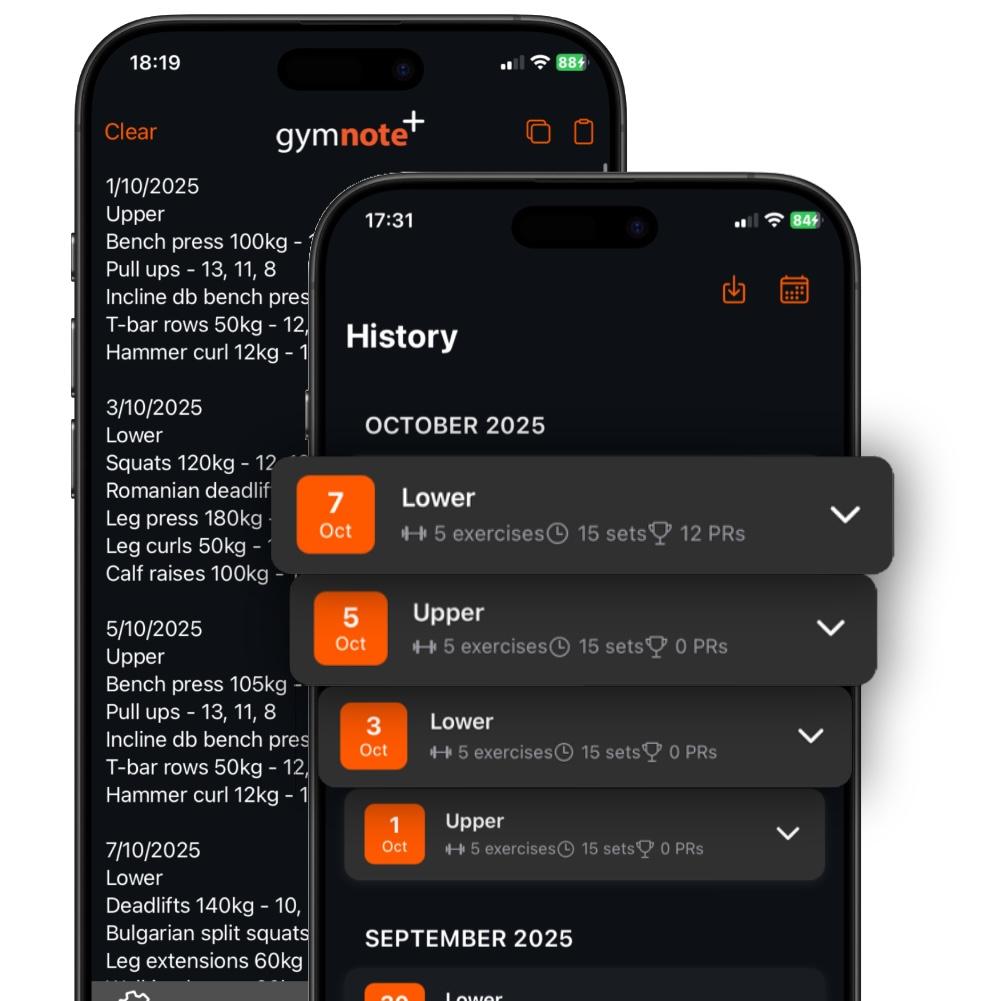
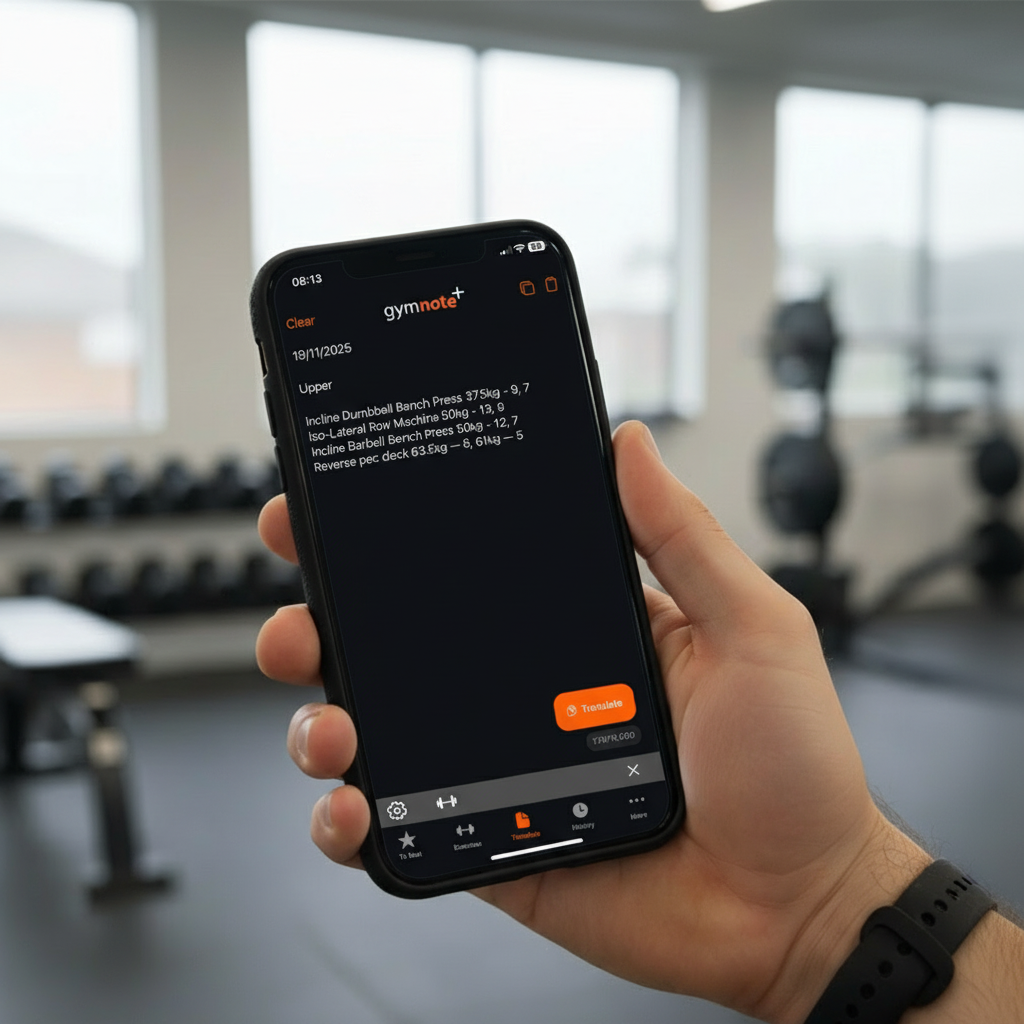
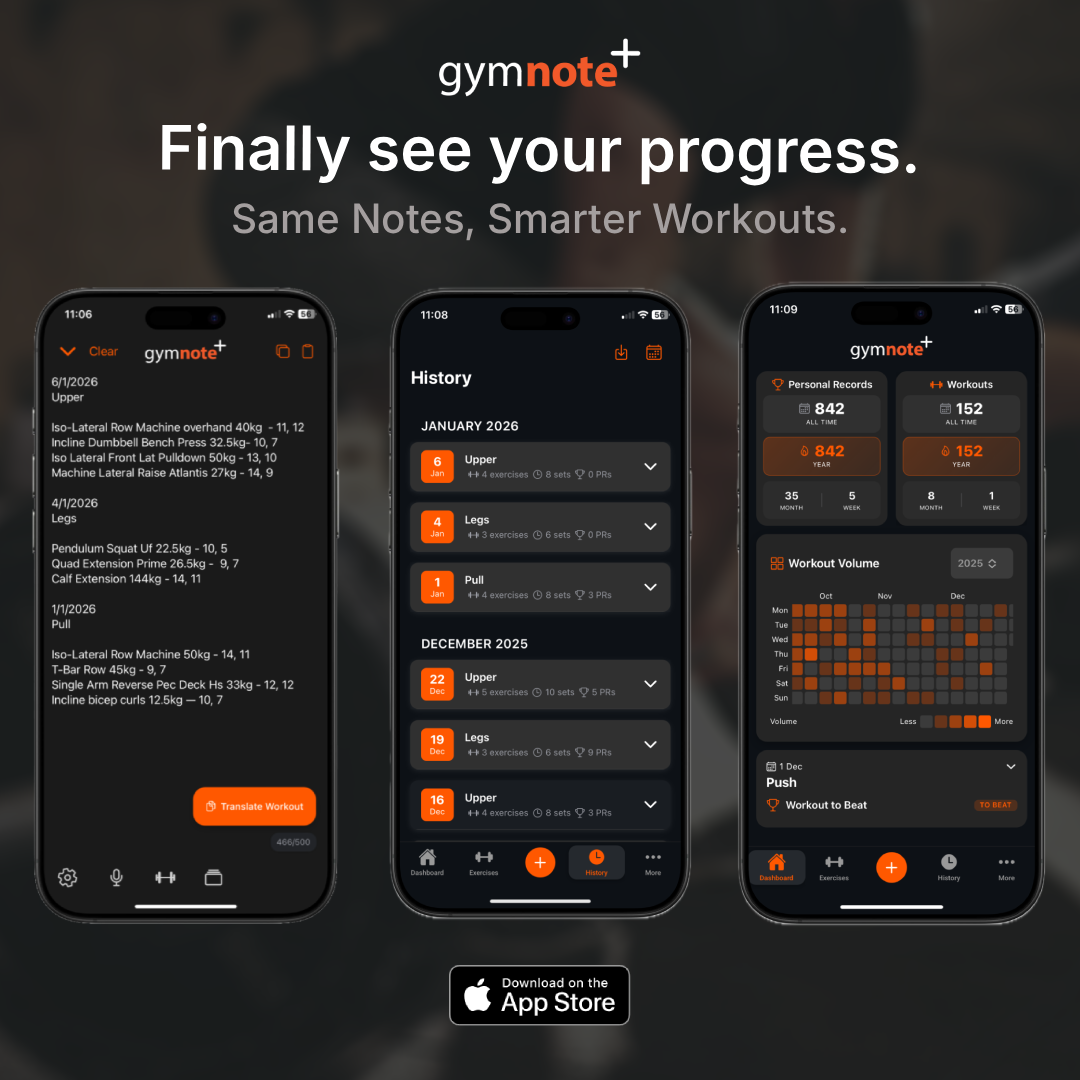
This is where a gym notes to data app like Gym Note Plus changes the math. Instead of forcing you to change your behavior, it uses natural language processing to "read" your messy notes. You keep your Apple Notes exactly as they are. You copy your workout text, paste it into the app, and the system automatically identifies the exercises, weights, and reps.
James Clear, the author of Atomic Habits, prefers writing out every set because it makes the process "mindless and automatic." By using a tool that translates that mindless text into structured data, you get the best of both worlds. You aren’t a data entry clerk; you’re an athlete.
According to Statista, the fitness app market reached $6.86 billion in 2024. Most of that money is spent on apps that try to automate your workout with sensors or complex timers. But 55% of gym members who use wearables say those devices are poor at tracking actual strength training (ABC Fitness, 2024). The most accurate sensor in the gym is still your own brain recording numbers in a note.
The "Legacy Unlock" Benefit
One of the most powerful features of this approach is the ability to resurrect old data. If you have two years of workouts sitting in your iCloud, a gym notes to data app can parse those historical entries in seconds. What would take you hours of manual spreadsheet entry is handled automatically. You can finally see the progress you’ve already made.
Setting Up Your First Natural Language Split
If you're ready to stop guessing and start graphing, the process is straightforward. You don't need to learn a new "code." The automatic translation is designed to understand how lifters actually talk.
- Log Your Workout: Keep using your Notes app. Write things like "Bench: 135x5, 155x5, 175x5" or "Squat 3x10 @ 200."
- Copy and Paste: At the end of your session (or the end of the week), grab that text.
- Automatic Translation: Open the gym notes to data app and paste. The data is extracted instantly.
- Review Trends: Look at your volume charts. See if your RPE is dropping at the same weight. Adjust your training based on facts, not vibes.
But what about messy syntax? lifters are notoriously inconsistent. One day it’s "BP," the next it’s "Bench Press." A smart converter handles this exercise aliasing automatically. It knows that "DB Curls" and "Dumbbell Bicep Curls" are the same thing.
Research published by PMC in 2025 noted that 31.6% of people abandon mHealth apps simply because of a "declining interest" often sparked by the app being too demanding of their attention. By moving the "work" of tracking to an automatic system, you protect your motivation. You focus on the heavy iron. The app focuses on the heavy data.
Key Takeaways for the Minimalist Lifter
- Don't break your flow: If an app requires more than 5 seconds to log a set, it’s stealing your focus.
- Value your history: Your past workouts are the blueprint for your future gains. Don't overwrite them.
- Use the bridge: You don't have to choose between a blank page and a bloated app. A text-to-data converter is the middle ground that actually works.
Stop letting your progress stay trapped in unstructured text. Whether you use a spreadsheet or a dedicated gym notes to data app like Gym Note Plus, the goal is the same: spend your time lifting, not tapping buttons. Your shorthand is smarter than you think—it just needs the right translator.
Josh Ibbotson
Josh is the creator of Gym Note Plus, building tools that make workout tracking as simple as taking notes.
Ready to try it out?
Download Gym Note Plus and start tracking your workouts the way you want.
Download on App Store